Secure Terraform State: Never Store Secrets Again
Learn how to secure terraform state using write-only attributes and ephemeral resources, eliminating secret exposure from terraform state files.

Learn how to secure terraform state using write-only attributes and ephemeral resources, eliminating secret exposure from terraform state files.
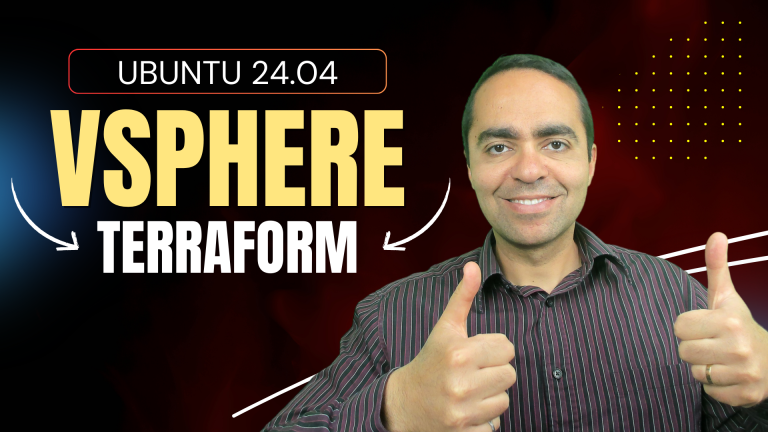
Tired of clicking through vSphere Client to deploy VMs? Learn how to automate Ubuntu 24.04 VM deployments using Terraform vSphere provider. This step-by-step guide shows you how to define your infrastructure as code, enabling deployment of multiple identical VMs with a single command. From provider configuration to cloud-init integration, we cover everything you need to transform manual VM creation into an efficient, repeatable workflow. Eliminate inconsistencies, save time, and scale effortlessly while gaining the benefits of version control for your infrastructure. Ready to modernize your VMware environment? This practical implementation scales from one VM to hundreds with minimal effort.
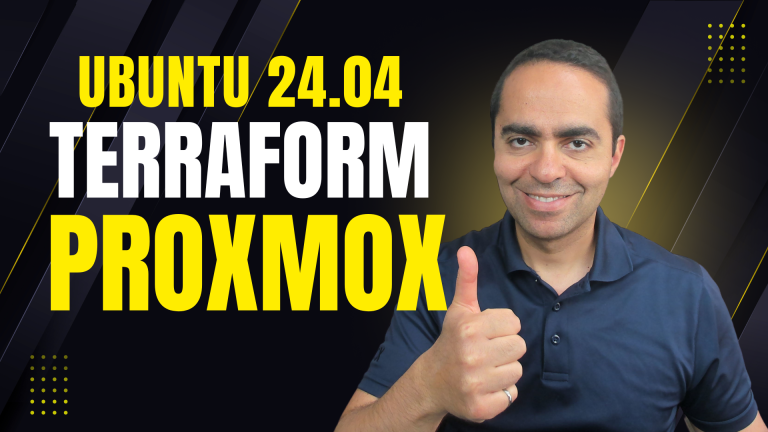
Automating VM deployment with Terraform and Proxmox transforms what was once a tedious, error-prone process into a streamlined, code-driven workflow. This powerful combination enables you to define your infrastructure as code, version control your configurations, and deploy identical environments with remarkable speed and consistency.
In just under two minutes, you can go from nothing to a fully configured Ubuntu 24.04 VM with custom resources, network settings, and pre-installed software—a process that would take 5-10 minutes through the Proxmox UI and require constant attention. For environments that need multiple VMs or frequent rebuilds, this automation doesn’t just save time—it fundamentally changes how you manage your infrastructure.
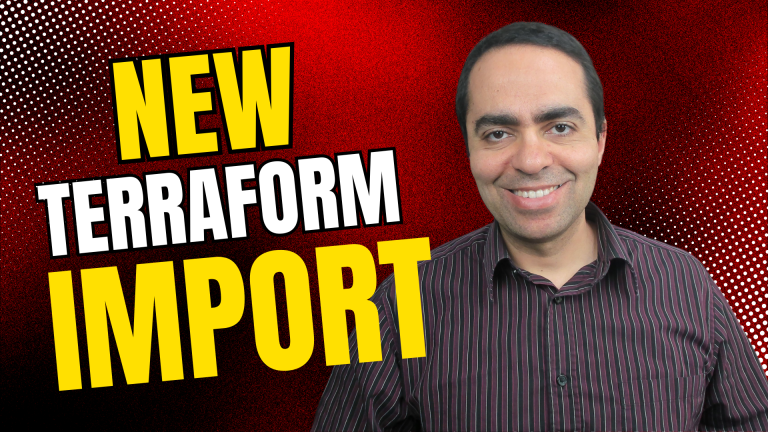
Struggling to bring existing infrastructure under Terraform management? This guide walks you through the modern Terraform import method using the import block and generate-config-out flag. Follow a hands-on demo with UpCloud to see how easy and safe importing can be—no more writing HCL from scratch or fearing resource deletion.
Discover the future of DevOps with Configu, a revolutionary tool that transforms the way we approach Configuration as Code (CaC). In this deep dive, we explore how Configu not only simplifies but also centralizes the management of configurations across different environments, ensuring consistency, efficiency, and security in your DevOps workflow. From a step-by-step guide on getting started with Configu to a real-world application deploying a monitoring stack with Prometheus, Grafana, and Loki, this blog post is your ultimate roadmap to mastering configuration management. Whether you’re looking to streamline your configurations, reduce human error, or foster team collaboration, learn how Configu can elevate your DevOps practices to new heights.
Are you a DevOps enthusiast looking to create an on-premises Consul and HashiCorp Nomad cluster running in vSphere using the latest cloud-native technologies like Packer, Terraform, Ansible, and GitLab? Look no further! In this blog post, we will guide you through the step-by-step process of building an on-premises nomad cluster with Packer, Terraform, Ansible, and GitLab in vSphere. From running Packer and GitLab to configuring Terraform, deploying VMs, and running Ansible, we’ll cover everything you need to know to successfully build and manage your own nomad cluster. So, let’s get started!
Don’t have time and want to learn the basics of Terraform quickly? Get started with this beginner’s guide to Terraform.
Discover the distinctions between Terraform and Ansible in this Terraform vs Ansible comparison demonstration. The outcome may surprise you!
With countless options for provisioning and configuring infrastructure, it can be difficult to determine the ideal solution. Terraform and Ansible are two of the most sought-after tools in this domain, so let’s compare their distinctions to support you in making a decision.
Build an API using a serverless Lambda Function with an API Gateway all with Terraform.
End of content
End of content